Liferay Personalization: Deliver the Right Experience to Every User
Published on June 18, 2026 by Wasim
What Is Liferay Personalization?
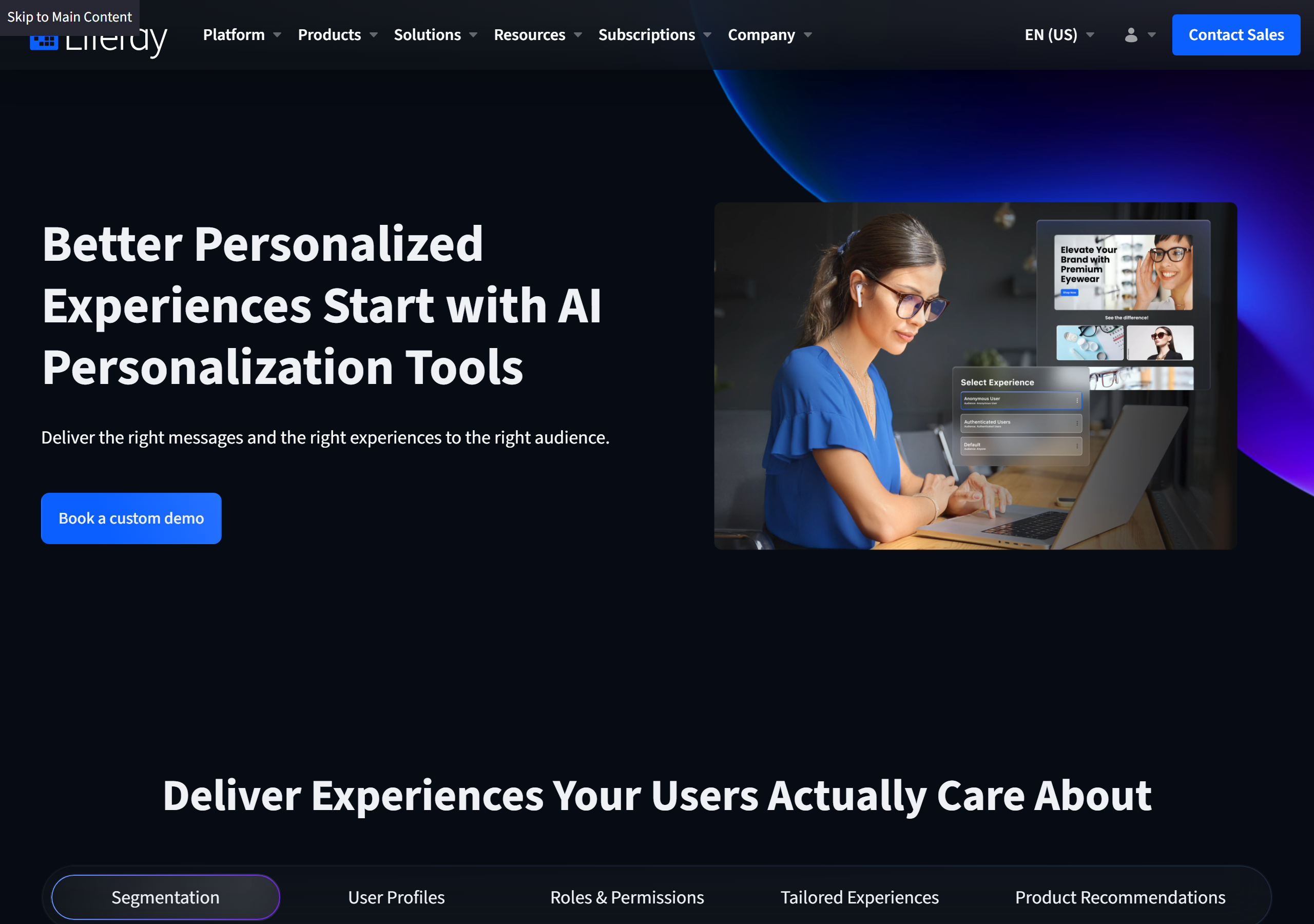
Liferay's personalization capability is a native, out-of-the-box feature of Liferay DXP that tailors what each visitor sees based on who they are and how they behave. The pitch is simple and direct: "Better Personalized Experiences Start with AI Personalization Tools" — "Deliver the right messages and the right experiences to the right audience."
Rather than showing every visitor the same homepage, Liferay lets marketing and experience teams group users into segments and then automatically adjust content, layouts, offers, and search results for each one. As the page puts it, the goal is to "Deliver Experiences Your Users Actually Care About."
Why Personalization Matters
Personalization is no longer a nice-to-have. Liferay cites a Forbes survey finding that 81% of customers prefer companies that offer personalized experiences, and 70% say it's important that those experiences reflect their history with the company — past purchases, buying patterns, or support calls. When customers feel recognized, they become repeat, loyal buyers, which reduces acquisition costs and increases revenue.
The catch is that doing it well is hard. Liferay names three common obstacles verbatim:
- Data silos — data fragmented across systems, so no one has a complete view of a customer.
- Privacy regulations — strict rules like GDPR and CCPA require careful handling of user data.
- Disjointed tools — delivering consistent experiences across channels is hard when systems are disconnected.
Their proposed answer: "unify your systems and data on a single platform" so the experience feels relevant to each user.
The Core Building Blocks
Liferay frames personalization around five capabilities — Segmentation, User Profiles, Roles & Permissions, Tailored Experiences, and Product Recommendations.
Segmentation & Audiences
Effective personalization "begins with precise segmentation." You can group users by profile data, site behavior, location, or interests, using:
- Dynamic segments that auto-populate based on defined criteria, or static segments you curate manually for a specific campaign.
- Compound segments that combine existing audiences — for example, merging "USA" and "Canada" into a "North America" audience.
- External data from systems like Salesforce to build segments or custom segmentation rules.
The segmentation documentation covers how dynamic and static segments are built in practice.
User Profiles
Personalization unifies customer data across profiles, behavior, and interactions, giving you a single view of each person — and the ability to understand both known and anonymous users through behavioral tracking.
Roles, Permissions & Tailored Experiences
Role- and permission-based personalization ensures users only see information relevant to them, while page copy, layouts, offers, and messaging adjust automatically based on customer behavior and segment membership.
AI-Powered Product Recommendations
Recommendations are "powered by AI with advanced ML models" and come in three flavors:
- Related products based on analysis of customer data.
- Frequently bought together items to increase cart size.
- Suggestions from similar buyer profiles.
How Personalization Works With Other Modules
A big part of Liferay's argument is that personalization isn't a standalone tool — it threads through the rest of the platform:
- Personalization + Commerce — product recommendations that drive cross-sell and upsell in ecommerce storefronts.
- Personalization + CMS — dynamically change layouts, content, and messaging by user segment.
- Personalization + Search — surface the most relevant results first, ranked by keyword match, popularity, recency, context, and past interactions.
- Personalization + Analytics — built-in analytics feed the personalization engine so you can build data-driven segments and continuously refine experiences.
You can read more in the official Liferay personalization documentation.
A Real-World Example
Liferay highlights insurer Merkur Versicherung, which uses personalization to display content according to individual roles and needs — so employees, brokers, and cooperation partners each get the right view. The numbers give a sense of scale:
- 300,000+ users
- 20,000+ customer portal users per year
- 1,000 employees
Who Is It For?
Liferay personalization is aimed at marketing teams, commerce managers, and customer-experience leaders who need to move beyond one-size-fits-all pages. Because it's an out-of-the-box DXP feature, those teams can build and manage segments without standing up a separate personalization stack — and developers can extend it through the platform's APIs when requirements get more specific.
Final Thoughts
What makes Liferay's approach compelling is that personalization is built into the same platform that already runs your content, commerce, and search — so segments defined once can drive every surface a user touches. Combined with AI recommendations and built-in A/B testing, it gives teams a practical path from "everyone sees the same thing" to "every visitor gets something relevant," without gluing together a half-dozen disconnected tools.
Start at the Liferay personalization capabilities page or dig into the Liferay Learn documentation.
Related Reading
If you build on Liferay, these in-browser tools and guides pair well with personalization work:
- Liferay Low-Code: Build Business Apps Without the Hand-Coding — the companion DXP capability for digitizing processes.
- Liferay Fragment Config Builder — configure the fragments that power segmented page content.
- Liferay Layout Template Generator — scaffold the layouts your tailored experiences sit in.
- Browse all Liferay tools — generators and reference utilities for Liferay developers.