Liferay Low-Code: Build Business Apps Without the Hand-Coding
Published on June 18, 2026 by Wasim
What Is Liferay Low-Code?
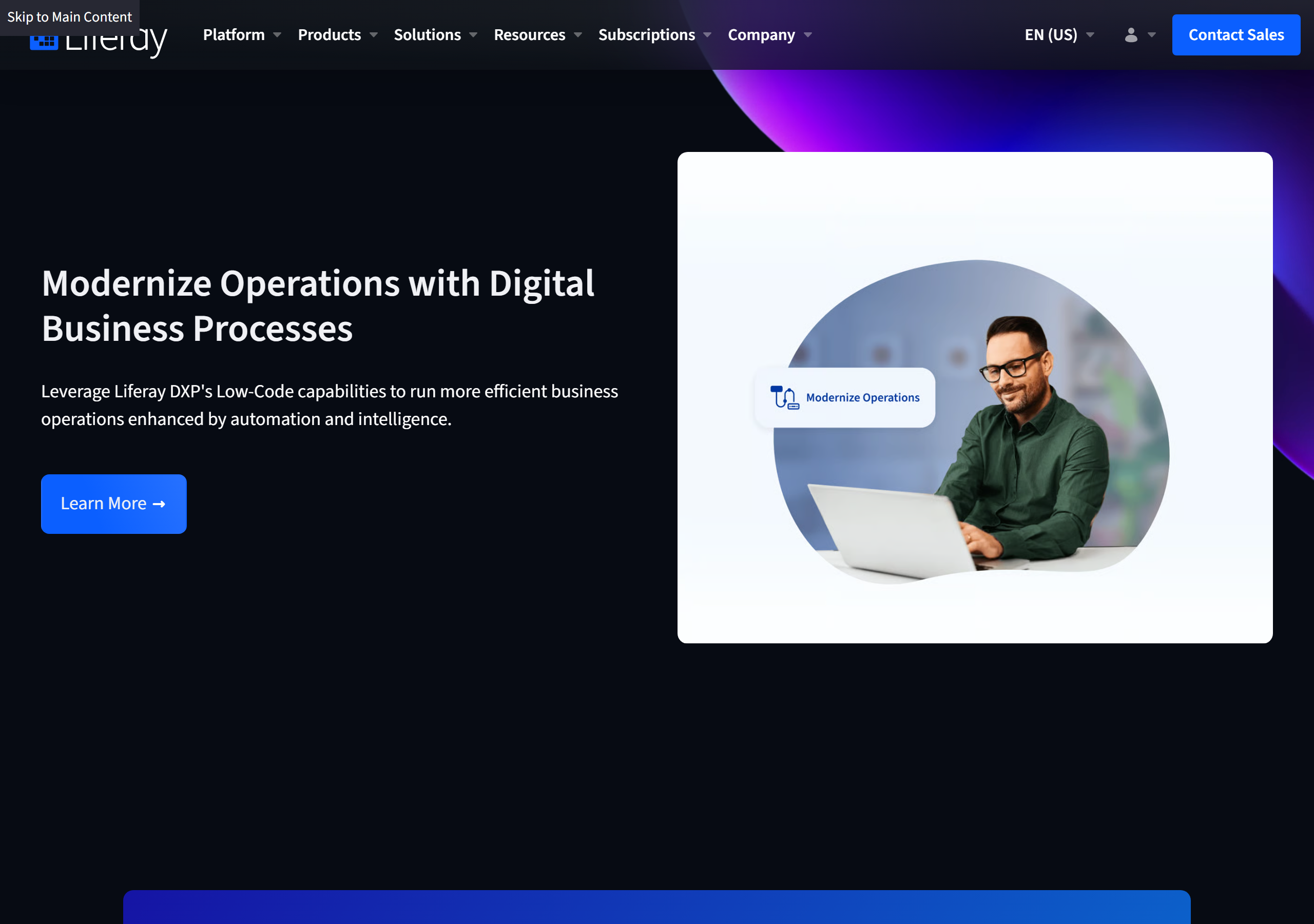
Liferay's low-code capability is a set of visual, GUI-driven tools inside Liferay DXP that let you build business-process applications with minimal hand-coding. The headline pitch is straightforward: "Modernize Operations with Digital Business Processes" — "Leverage Liferay DXP's Low-Code capabilities to run more efficient business operations enhanced by automation and intelligence."
Instead of writing a full custom application every time the business needs a new form, approval flow, or tracking system, teams model their data, processes, and interfaces visually. The result is faster delivery and "without needing to rely on IT for help" for every change.
The Problem It Solves
Most organizations have a long backlog of small but important internal apps — service tickets, registration forms, approval requests, status dashboards. Each one is individually too minor to justify a full development project, yet collectively they consume enormous developer time and leave business users waiting.
Liferay's low-code tooling closes that gap. As the page frames it: "Whether you're looking to collect and share data, generate and distribute reports, or create a system to track and resolve issues and requests, our low-code tools can help you streamline a wide range of business processes." The real-world proof point Liferay highlights is West Bend Mutual Insurance, which used low-code to cut paper-based submissions and reduce quote-generation time to under ten minutes.
The Three Core Building Blocks
Liferay low-code rests on three GUI-driven primitives that map cleanly onto how a business process actually works: the data, the process, and the interface.
Objects — Define Your Data
Liferay Objects let you model the data structures at the heart of a process — service tickets, registration forms, requests, or anything else — entirely through a GUI. With Objects you can:
- Define business entities and the relationships between them visually.
- Use headless REST APIs to map data from backend systems of record onto your objects.
- Add new fields for metadata that enriches synchronized data.
- Extend existing system objects like Users, Organizations, and Accounts.
- Define actions to run programmatically under specified conditions.
Workflows — Define Process Steps
Liferay Workflows handle the movement of work through your organization. Using a drag-and-drop builder you can:
- Create single- and multi-step workflows visually.
- Assign steps to individuals, roles, or system automations.
- Track every submission through a single interface.
- Set service level agreements (SLAs) and measure performance against them with built-in metrics.
Interface Design — Build Intuitive Screens
The interface layer is where users actually interact with the process. You can build single- or multi-page interfaces to view, edit, and update process data; control how data is displayed and sorted; and "quickly add text, buttons, animations, and other graphical elements to your interface without coding." Integrations with third-party apps and data happen via APIs, and front-end developers can build entirely alternative interfaces using a complete set of headless APIs.
Low-Code That Doesn't Lock Out Developers
The smartest part of Liferay's approach is that low-code and pro-code coexist. Business users get visual builders, while developers retain a "complete set of headless APIs" to create custom front ends, integrate external systems, and add programmatic object actions. This is the key difference from closed no-code platforms: you are never trapped behind the GUI when a requirement outgrows it.
That hybrid model also means low-code apps live alongside everything else Liferay does — content, sites, search, and personalization — on one platform rather than in a siloed app builder.
Who Is It For?
Liferay low-code targets two audiences at once:
- Business users / analysts who need to digitize a process — intake forms, approvals, issue tracking — without filing an IT ticket for every field change.
- Front-end and platform developers who want to skip boilerplate CRUD work, expose data through headless APIs, and focus their time on the genuinely custom parts.
Typical use cases include data collection and sharing, report generation and distribution, and issue/request tracking systems — the connective tissue of day-to-day operations.
Final Thoughts
Liferay low-code is less about replacing developers and more about removing the friction between "the business needs a small app" and "the app exists." By splitting a process into Objects (data), Workflows (process), and Interfaces (interaction) — all editable in a GUI but backed by real headless APIs — it gives non-technical teams genuine autonomy without boxing in the engineers who eventually have to extend it.
If you run on Liferay DXP, it's worth prototyping your next internal tool with Objects and Workflows before reaching for a full custom build. Start at the Liferay low-code capabilities page or dig into the official Liferay Learn documentation.
Related Reading
If you build on Liferay, these in-browser tools speed up the pro-code side of the platform:
- Liferay Service.xml Generator — scaffold Service Builder entities fast.
- Liferay Fragment Config Builder — generate fragment configuration without hand-writing JSON.
- Liferay Cron Expression Builder — build and validate scheduler cron expressions.
- Browse all Liferay tools — generators and reference utilities for Liferay developers.